Client login
KES
Client AreaRegister

Backup and storage

Cloud Storage Boxes

Large, cheap storage for backups and archives. RAID-protected, reachable over FTP, SFTP, SMB, WebDAV, Rsync and Borg, with snapshots and up to 100 separate user accounts.

  • 1 TB to 20 TB, RAID protected
  • FTP, SFTP, SMB, WebDAV, Rsync, Borg
  • Snapshots and checksums
  • Up to 100 sub-users
Cloud Storage Boxes from Hostsawa
  • RAID protected
  • Snapshots
  • Up to 100 users
  • 24/7 support

Pricing

Cloud Storage Boxes plans and prices

Every plan below is live from our billing system, so what you see is what you pay. Upgrade at any time.

Nova Mini — 1 TB

Ksh 1,400/month

Order now
  • 1 TB secure cloud storage with RAID protection
  • Unmetered data transfer every month
  • Supports FTP, FTPS, SFTP, SCP, SMB/CIFS, WebDAV, Rsync, Borg
  • Built-in data integrity checks and redundancy
  • Create and manage snapshots (manual or scheduled)
  • Set up to 100 isolated user accounts
  • High-speed transfers internal transfers (up to 10 Gbps)
  • External network speeds average 300 Mbps+
  • Perfect for personal backups, small projects, and archives
Nova Max — 10 TB

Ksh 8,400/month

Order now
  • 10 TB scalable storage with RAID-level protection
  • Unlimited monthly bandwidth usage
  • Access via FTP, FTPS, SFTP, SCP, SMB/CIFS, WebDAV, Rsync, Borg
  • Data integrity assured with redundancy and checksums
  • Snapshot options for backup and recovery
  • Up to 100 individual user accounts supported
  • Ultra-fast 10 Gbps internal transfers.
  • External connections typically 300 Mbps or higher
  • Ideal for corporations, media teams, and heavy backup needs

Nova Ultra — 20 TB

Ksh 16,400/month

Order now
  • 20 TB massive storage volume with RAID-secured reliability
  • Unlimited data transfer with zero throttling
  • Universal accessFTP, FTPS, SFTP, SCP, SMB/CIFS, WebDAV, Rsync, Borg
  • Automatic integrity checks to prevent data loss
  • Comprehensive snapshot support for disaster recovery
  • Up to 100 custom sub-accounts with isolated access
  • Blazing-fast internal transfers at 10 Gbps
  • External network speeds around 300 Mbps+
  • Best for enterprises and data centers

Prices are shown in Kenyan shillings and exclude any applicable tax.

Storage you can point anything at

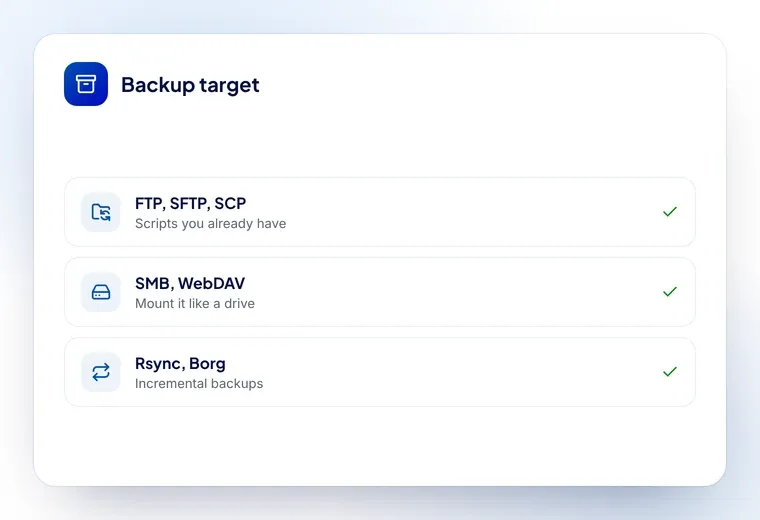
A storage box is plain, large, inexpensive disk space. It speaks the protocols your tools already use — FTP, FTPS, SFTP, SCP, SMB/CIFS, WebDAV, Rsync and Borg — so you can back a server up with the scripts you already have, mount it on a desktop, or sync it from a NAS.

Data sits on RAID-protected disks with checksum verification, and you can take snapshots manually or on a schedule to roll back a bad sync.

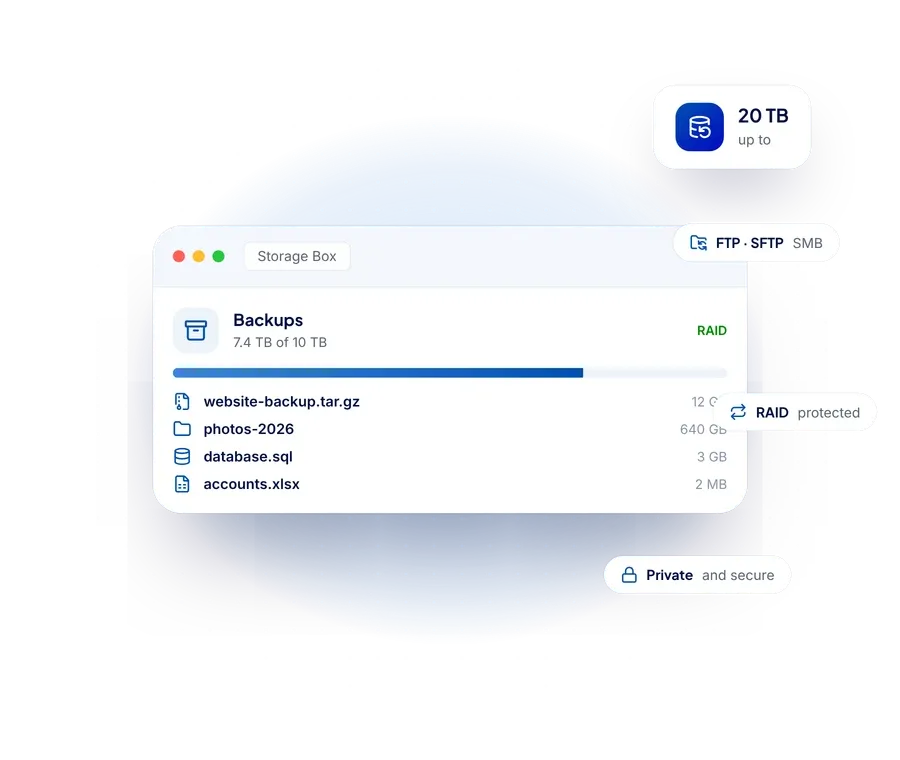
A Hostsawa storage box reachable over FTP, SFTP, SMB, WebDAV, Rsync and Borg

The 3-2-1 rule, cheaply

The rule of thumb for backups is three copies, on two kinds of media, one of them off-site. A storage box is the cheapest way to hold that off-site copy.

  • Server backups from cPanel, JetBackup or your own cron job
  • Agency archives of finished client projects
  • A second copy of a NAS for a small office

Give each client or team member one of the 100 sub-accounts, each with its own folder, so nobody can see or overwrite anyone else’s data.

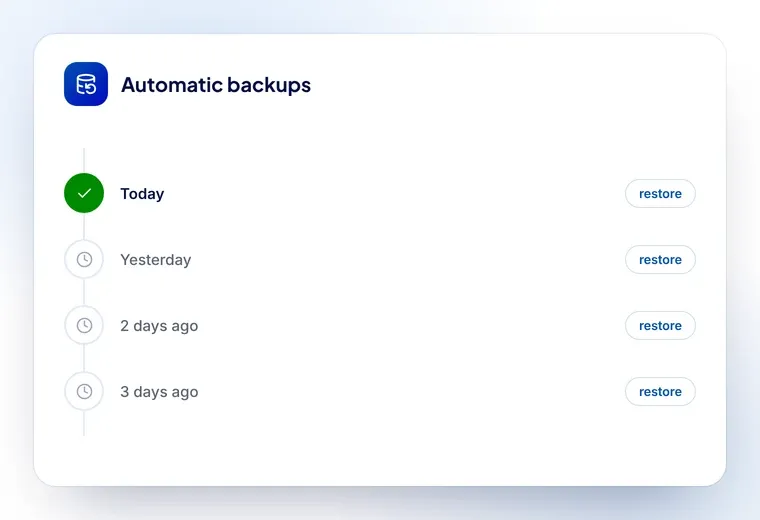
A backup history on a storage box, with each snapshot restorable

What a storage box gives you

  • RAID protection

    Redundant disks with checksum verification, so bit rot is caught.

  • Snapshots

    Manual or scheduled snapshots make a bad sync recoverable.

  • 100 sub-accounts

    Separate logins and folders for clients or team members.

  • Fast transfers

    High-speed transfer inside the network, with unmetered traffic.

What people back up

Servers and accounts that pair with a storage box.

Cloud Storage Boxes: frequently asked questions

What can I use a storage box for?

Server and website backups, project archives, an off-site copy of a NAS, or any large files you do not need on fast hosting storage.

Which protocols are supported?

FTP, FTPS, SFTP, SCP, SMB/CIFS, WebDAV, Rsync and Borg — so most backup tools work without modification.

Is my data backed up?

Storage is RAID protected with checksum verification, and you can take snapshots. A storage box is itself a backup target, so keep your primary copy elsewhere.

Can I give clients their own access?

Yes, up to 100 sub-accounts, each with its own login and folder.

Is traffic metered?

No. Transfer to and from your storage box is unmetered.

Ready to get started with cloud storage boxes?

Order online in a few minutes, or talk to our team if you would like a recommendation first.