 KES
 USD - International

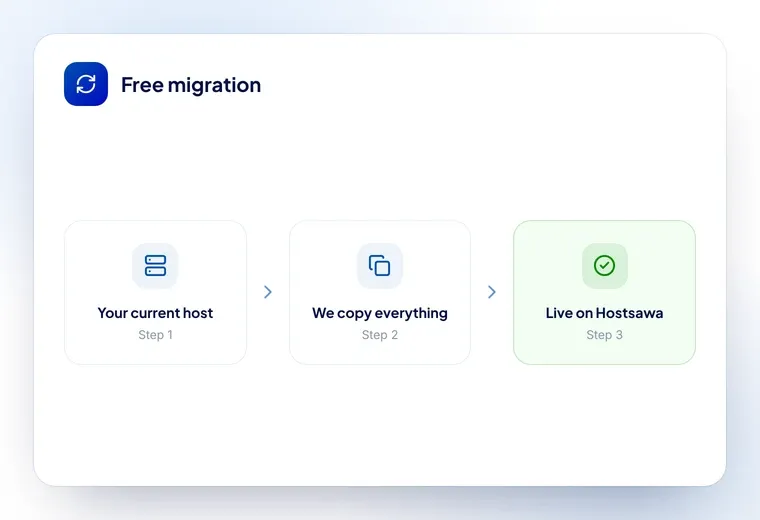
Moving a website is mostly bookkeeping. Done in the right order, nobody notices. Done in the wrong order, your email stops and you find out from a customer.
Here is the order.
Before you touch anything
Write down your DNS records. All of them: A, CNAME, MX, TXT, SRV. Screenshot the page if nothing else. This is the step people skip and the reason migrations go wrong.
The MX records route your email. The TXT records hold SPF and DKIM, which decide whether your mail is believed. If they do not exist at the new host, mail does not bounce back to you — it bounces to the sender, which means the first you hear is somebody asking why you never replied.
Also note: your current host’s control panel type, whether you have cPanel access, your domain registrar, and when the current plan renews.
The order that works
- Set up the new hosting and get the account created
- Copy the files and databases across, but do not point anything at them yet
- Recreate the email accounts at the new host, with the same addresses
- Recreate every DNS record you wrote down
- Test the site at the new host using a temporary address or your hosts file
- Lower the TTL on the records you are about to change, a day ahead
- Switch — nameservers, or just the A record
- Watch both the site and the mail for a day before cancelling anything
The thing to notice is that steps 1 to 6 change nothing for your visitors. The site is still live at the old host throughout. Only step 7 moves anybody.
Nameservers or A record?
Nameservers if the email is moving too. The new host manages everything from then on — which is why step 4 matters so much.
A record only if the email is staying where it is. This moves the website and leaves mail completely alone, and it is the safer choice whenever it applies.
More detail in pointing a domain at hosting and what nameservers are.
Do not cancel the old host yet
Keep it running for at least a week after the switch, ideally two.
Resolvers expire their caches at different times, so some visitors are still reaching the old server for hours after you switch. If you cancel immediately, those visitors get nothing. Worse, if something was not copied across, the only remaining copy is on a server you just deleted.
Pay for one more month. It is the cheapest insurance in this article.
What to check afterwards
- Load the site in a private window, and on a phone on mobile data
- Send an email out, and get one sent in from an outside address — they fail independently
- Check the SSL certificate is issued and the padlock is there
- Click through the site for broken images and links, especially if the paths changed
- Check search console for crawl errors over the following week
Or let us do it
Free, on every plan. Open a ticket with your current host’s login details and our team moves the site, the databases and the email, recreates the records, and tells you when to switch. There is no charge, and we do this often enough to know where it goes wrong.